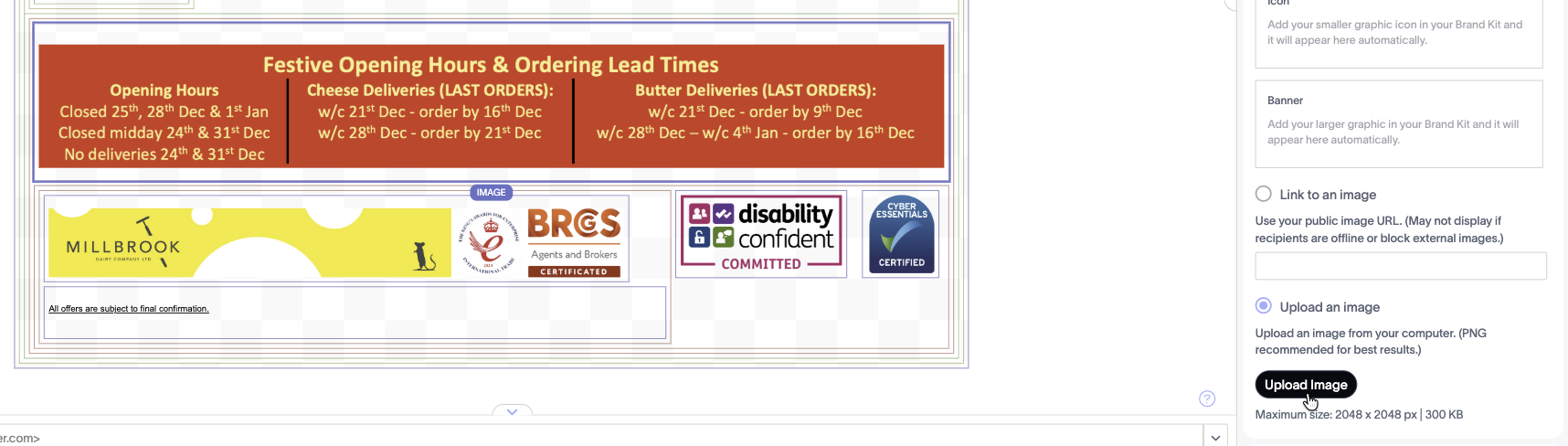
This article provides a method of easily changing the signature for Millbrook, during festive times. This change is needed each time, due to the limit imposed on their Exclaimer account, which allows only one signature - also their dates change slightly each season.
Steps
- Open the attached work document
- Make any edits to the dates
- Zoom in so that when you take a screenshot it is less than or equal to 2048 pixels in width.
- Go to Exclaimer and click the image of the times -> Upload Image
Was this article helpful?
That’s Great!
Thank you for your feedback
Sorry! We couldn't be helpful
Thank you for your feedback
Feedback sent
We appreciate your effort and will try to fix the article